Install ZORRO
Uninstall other tools with similar functions before installing ZORRO to avoid conflicts. Use the official repository: http://apt.zorroapp.cn/.
Add the repository in Cydia
1. Open Cydia on your jailbroken device.
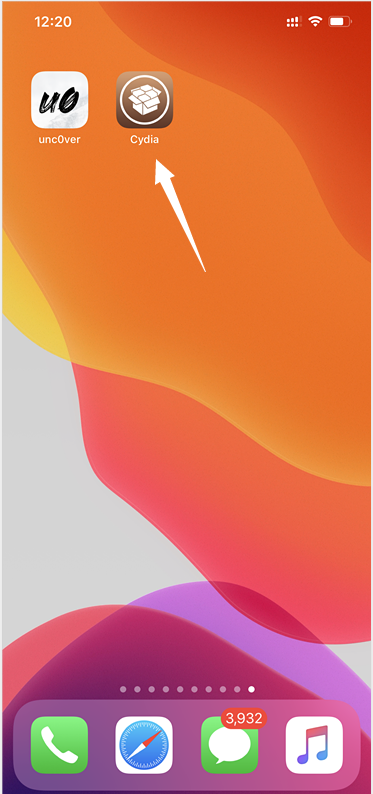
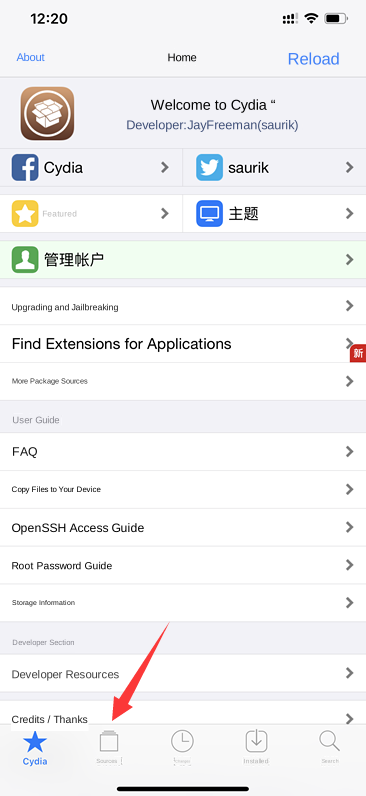
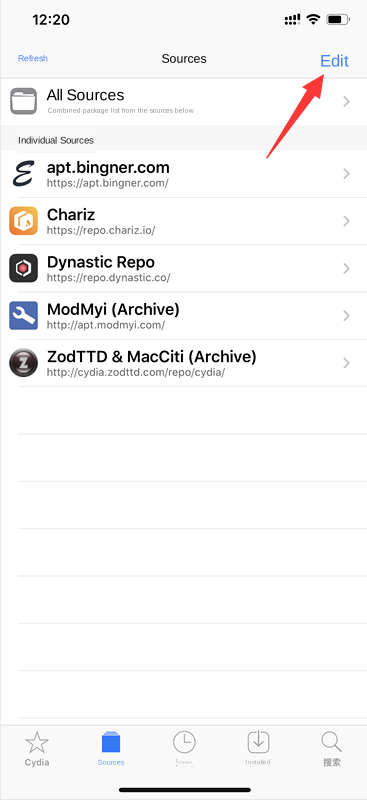
2. Tap Sources, then Edit, then Add.
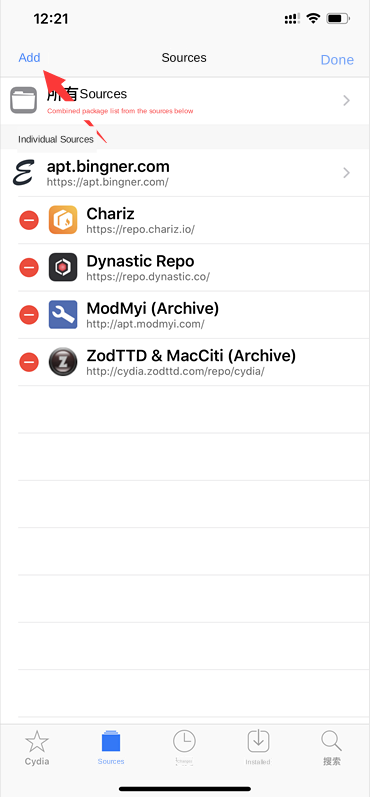
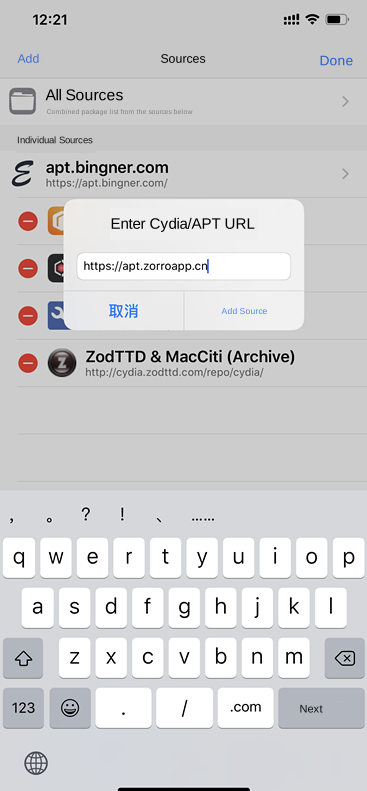
3. Enter http://apt.zorroapp.cn/ and tap Add Source.
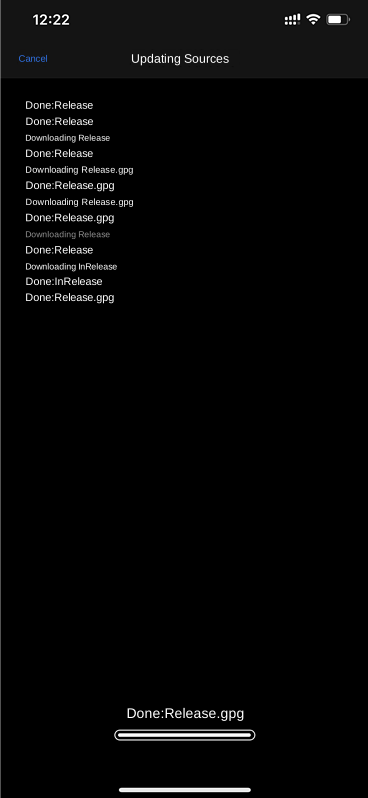
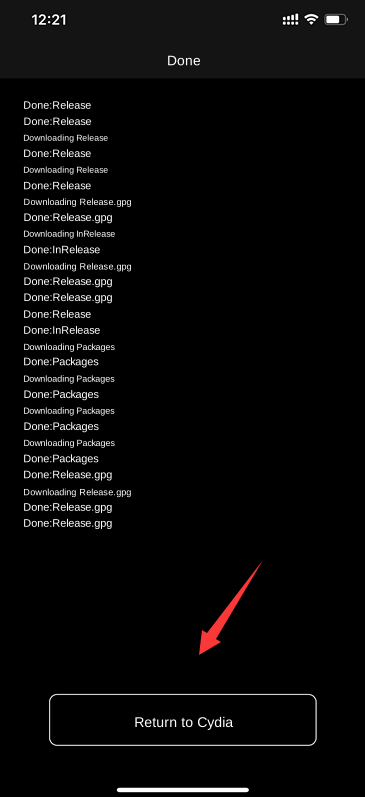
4. Wait for the sources to refresh, then tap Return to Cydia. If the refresh stalls, cancel and check the connection before trying again.
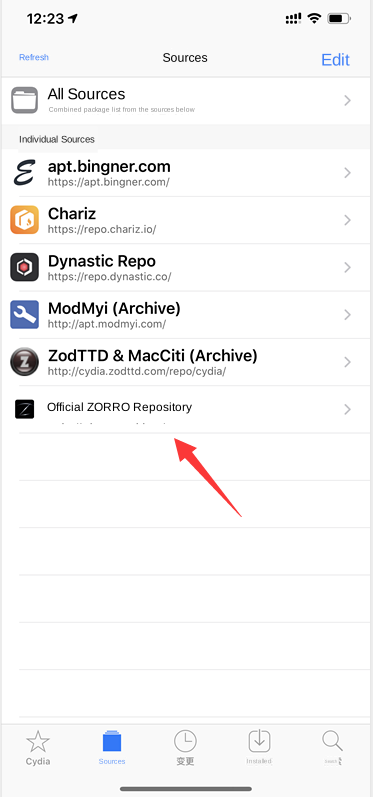
5. Open the official ZORRO repository and its ZORRO section, or All Packages.
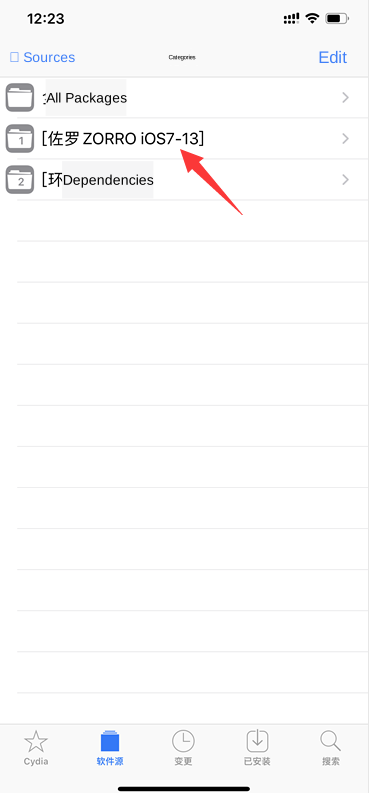
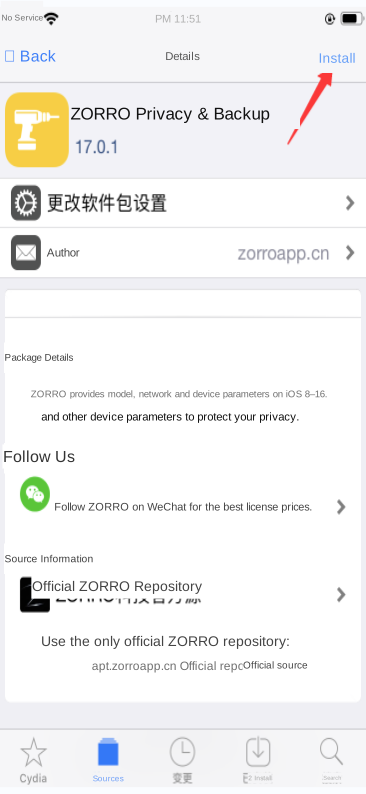
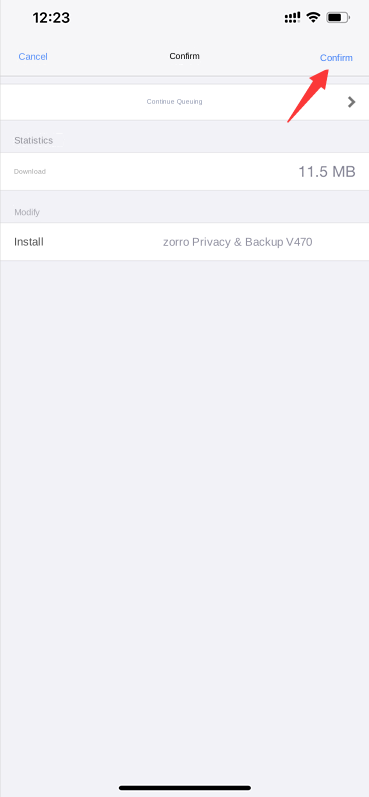
6. Select ZORRO, tap Install (or Modify → Install), then Confirm.
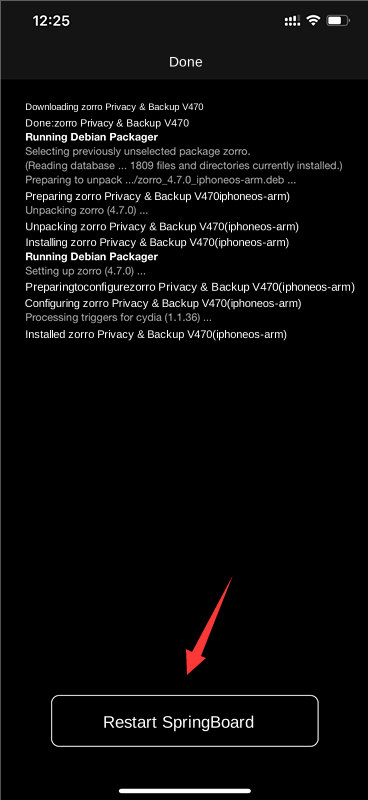
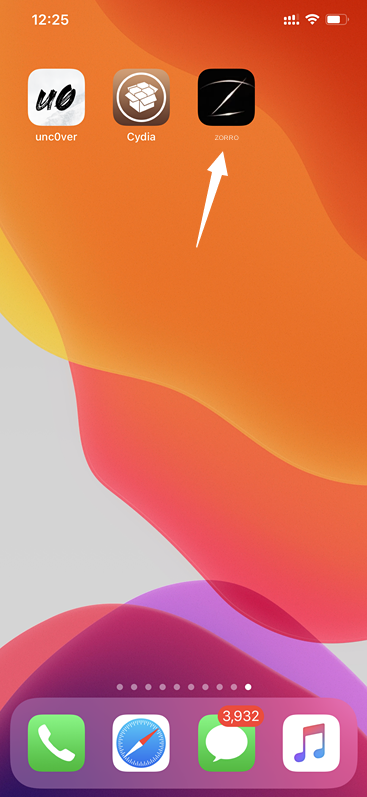
7. Wait for installation to finish and tap Restart SpringBoard when prompted. The screen briefly goes dark before the Home Screen returns. Open ZORRO from its icon.
Repository troubleshooting
If the official repository cannot be found after a modified or unofficial installation, remove that installation before installing the official version. The original guide identifies a modified Substrate Safe Mode package as one possible cause of blocked repository access. Verify package provenance before making changes. Official and unofficial activation systems are not interchangeable. The supplied fallback repository is http://apt.igrimace.com if the primary repository cannot load, times out or downloads slowly.